

Approvals
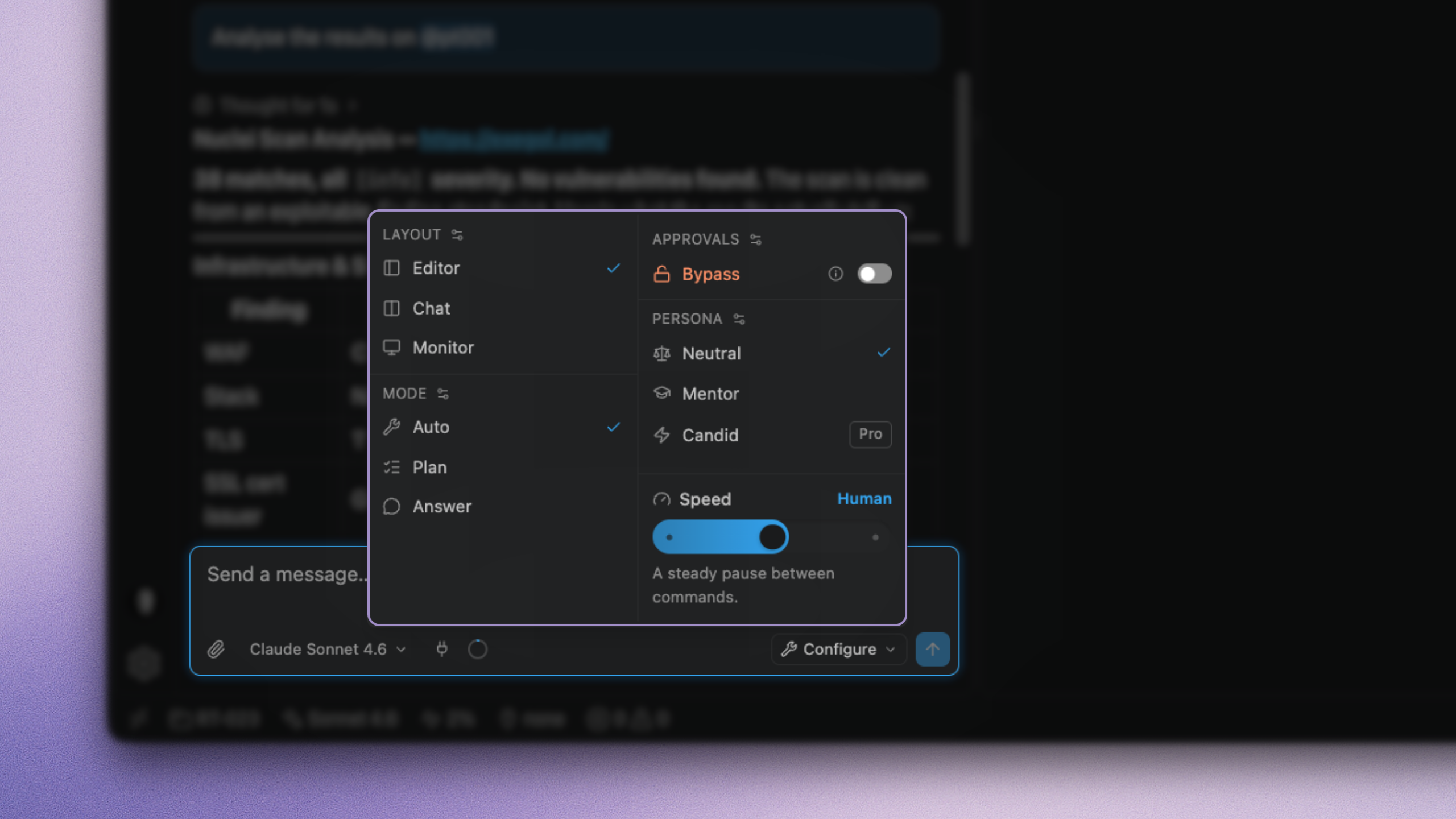
Two controls decide what runs on your behalf: the mode (how far the agent goes on one message) and the approval policy (what may run without asking). Modes live under Modes. This page is the approval axis, including Bypass.
Both sit in composer quick settings. Bypass is not a fourth mode.
The approval card
When a command needs approval, the run pauses. The tool card shows the exact command, the container, and the working directory. The bar asks Allow or Deny.
Allowing decides one call, once. There is no silent "always" on the card. Durable exceptions belong in your allow / ask / deny rules, where you can see and revoke them.
When an exec finishes (allowed by hand or already auto-approved), suggestion chips can turn that pattern into an allow / ask / deny rule.
Bypass
Bypass drops approval prompts for gated tools (exec, write, edit, and network tools such as web fetch/search). The composer turns orange while it is on.
Use it on a disposable lab container, or on a long run you would rather not babysit. Pair it with a looping mode for hands-off work.
With Bypass on, the agent runs any command it decides to run inside your container, with that container's privileges (including VPN or --privileged if you enabled them). Your deny rules and the safety floor still block. Nothing else asks first.
Do not use Bypass on a container attached to a production or client network unless the engagement rules allow unattended execution.
Safety floor
A short list of catastrophic host-destroying patterns is refused in every mode, including Bypass (wipe filesystem, format disk, fork bomb, and similar). It protects the engagement box from an obvious accident. It is not a sandbox for the target: offensive tools pass through. The real boundary is the container, providing additional safety beyond your rules, beyond our safety floor.
Approval rules
Between "allow everything by hand" and Bypass sits the policy:
| Action | Effect |
|---|---|
allow | Runs without asking |
ask | Shows the card |
deny | Blocked even with Bypass |
Last matching rule wins. Rules cover reads, writes, and exec patterns.
A multi-segment command (;, &&, pipes) auto-runs only if every segment matches an allow rule. Otherwise the card. Substitutions and unvetted forms always ask.
Common toggles exist (for example auto-approve reads under /workspace). Build the rest from suggestion chips as you work.
Interesting combinations
| Situation | Mode | Bypass |
|---|---|---|
| Questions only | Answer | off |
| Large or risky task | Plan | off |
| Normal engagement | Auto | off, with rules for routine commands |
| Long lab sweep | Custom looping mode | on |
| Client network | Auto | off |
Prefer building allow rules for the commands you run every day. You stop seeing cards for those patterns, like Bypass, but everything else still asks, and deny still blocks.