

Personas
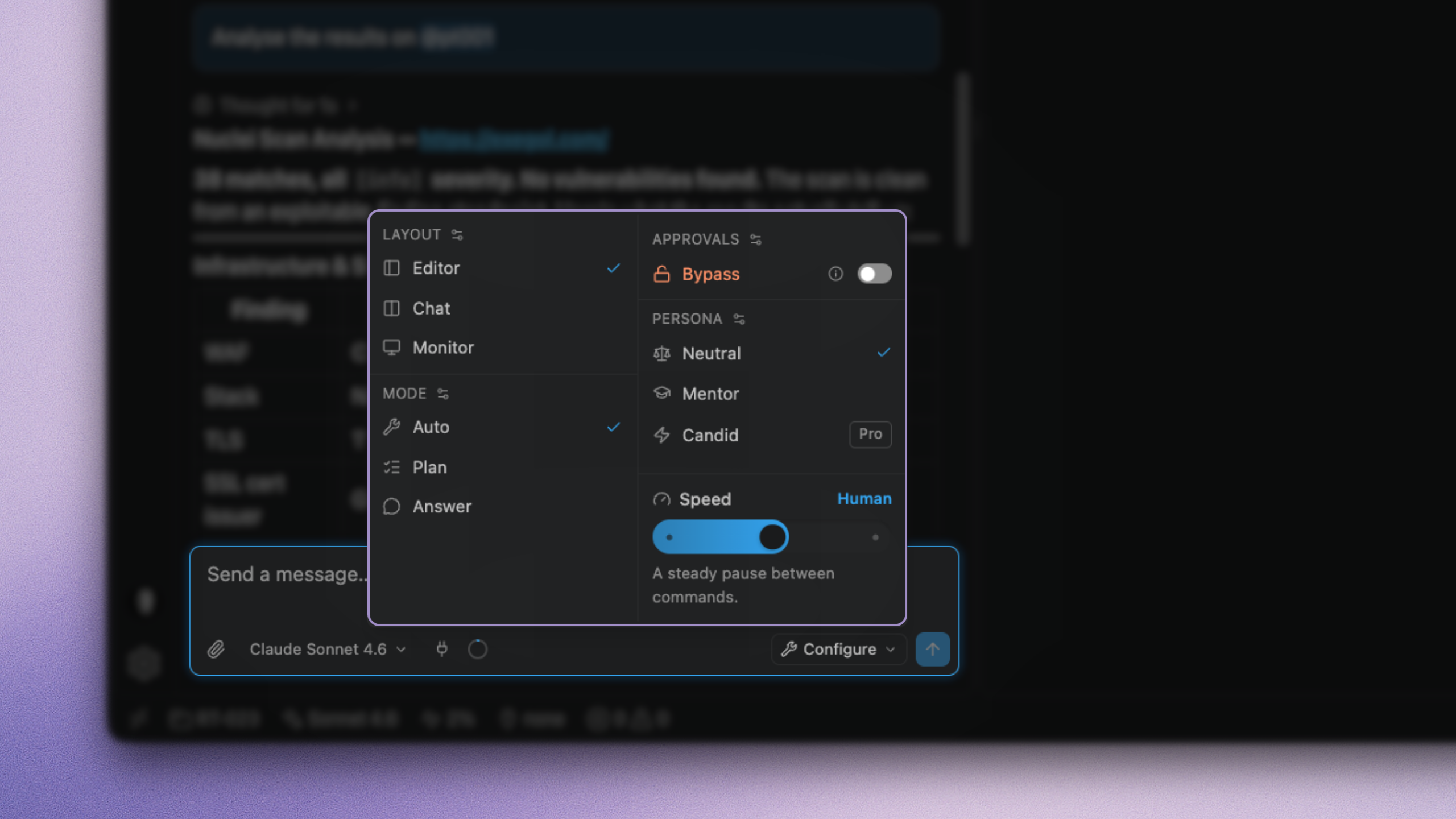
A persona shapes how the agent works with you: pacing, how much it explains, when it checks in, what register it writes in. It does not change what the agent is allowed to do.
Personas live under Settings → Personas. Pick one from composer quick settings.
Some personas are made available out of the box to all (for example Neutral and Mentor).
Writing one ProTeamEnterprise
The paid plans include additional personas (for example Candid) and allow you to write your own. Editing a built-in creates an override you can reset after a release.
Settings → Personas, or the pencil on a persona in quick settings.
Personas you already saved stay selectable if the plan changes.
Mentor changes how much the agent explains while doing the same work. It is not a “web app specialist”. Put methodology in a skill, specialised workers in an agent, constraints in a rule, hard enforcement in a hook, and documents you attach yourself in a brief. Keep tone and pace in the persona: you can switch them from composer quick settings on the next message, without editing those harness definitions.
What outranks a persona
Safety, honesty, scope rules, and your explicit instructions outrank a persona. A persona can make the agent explain more or write differently. It cannot skip an approval, ignore a deny rule, or claim a command ran when it did not.
Subagents do not inherit your persona: they speak from their own definition so the report stays a report.
Personas are stored with operator settings on the host (~/.exegol-studio/), not in the container. Keep sensitive information out of them.